
Home › Products › Basic ERP › Online POS for branches
NextPOS Cloud for shops with more than one branch
Online POS for multi-branch shops: every branch, one business
Run head office and every branch from the browser. Products, prices and staff are shared; each branch keeps its own stock, cash and invoices; and the owner sees every branch from anywhere.
Shared where it should be, separate where it must be
Head office manages the product list, selling prices, staff accounts and the business profile, and every branch gets the changes immediately. Each branch is still its own shop for the books.
- Own stock and average cost in each branch
- Own cash drawer, accounts, register shifts and day close
- Own sales, invoice numbers, customers and dues
Move stock between branches
Send products or individual phones by IMEI from one branch to another. Both branches get a matching transfer record with the same number, and the owner sees every transfer.
The owner sees every branch, from anywhere
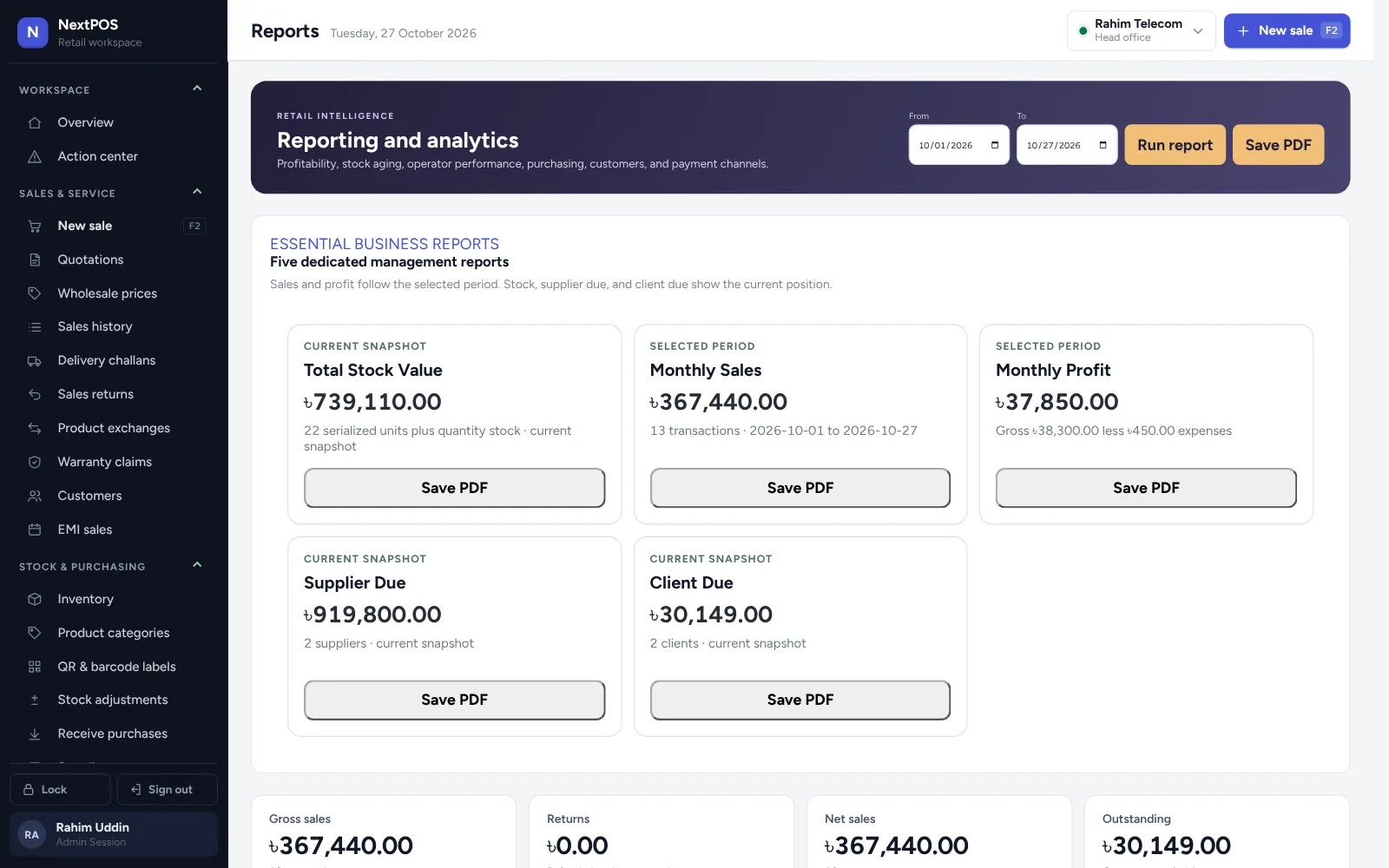
The business overview puts each branch’s sales, profit, stock value and dues side by side with the totals. Sign in from the shop, home or on the road, on a laptop, tablet or phone browser.
Staff work only where you put them
Every staff member has their own login and role. You choose which branches each one works in; they see only those, and protected changes are recorded with who did them and when. Staff logins are unlimited on every plan.
Priced per business, by branches
৳499 a month for one shop, ৳999 for up to 3 branches, ৳1,499 for up to 6. Every plan includes the Basic ERP, nightly backups and updates; Wholesale and Online shop are add-on modules. Pay for 12 months and get 2 free. See Cloud plans.
Questions shop owners ask
What happens if a branch loses internet?
Can a branch change prices?
How do receipts print?
I already use NextPOS Desktop. Can I move?
Where is the data kept?
See it with your own products
Free for 30 days. No setup fee. We can also show it at your shop.