
Home › Shop types › Mobile shop software
Software for mobile phone shops in Bangladesh
Mobile shop software: sales, IMEI stock and dues in one place
NextPOS is built around how a phone shop in Bangladesh actually works: phones sold by IMEI, accessories by quantity, customers on credit, and money moving through cash, bank and bKash or Nagad. It started in a mobile shop in Chattogram.
The best set for this shop
Mobile shops usually take Basic ERP and Wholesale. Every module is in the free trial, so you can change your mind later.
Everything the counter does every day
A sale takes four guided steps: items, customer, warranty, payment. Built for a busy counter with a scanner in one hand.
- Scan IMEI 1, IMEI 2, serial or barcode, or search by any 4 digits
- Cash, bank, bKash, Nagad and split payments, or put it on the customer’s due
- Official, shop or as-is warranty printed on the invoice
- Returns, exchanges, warranty claims and trade-in of used phones
- EMI from 2 to 36 instalments
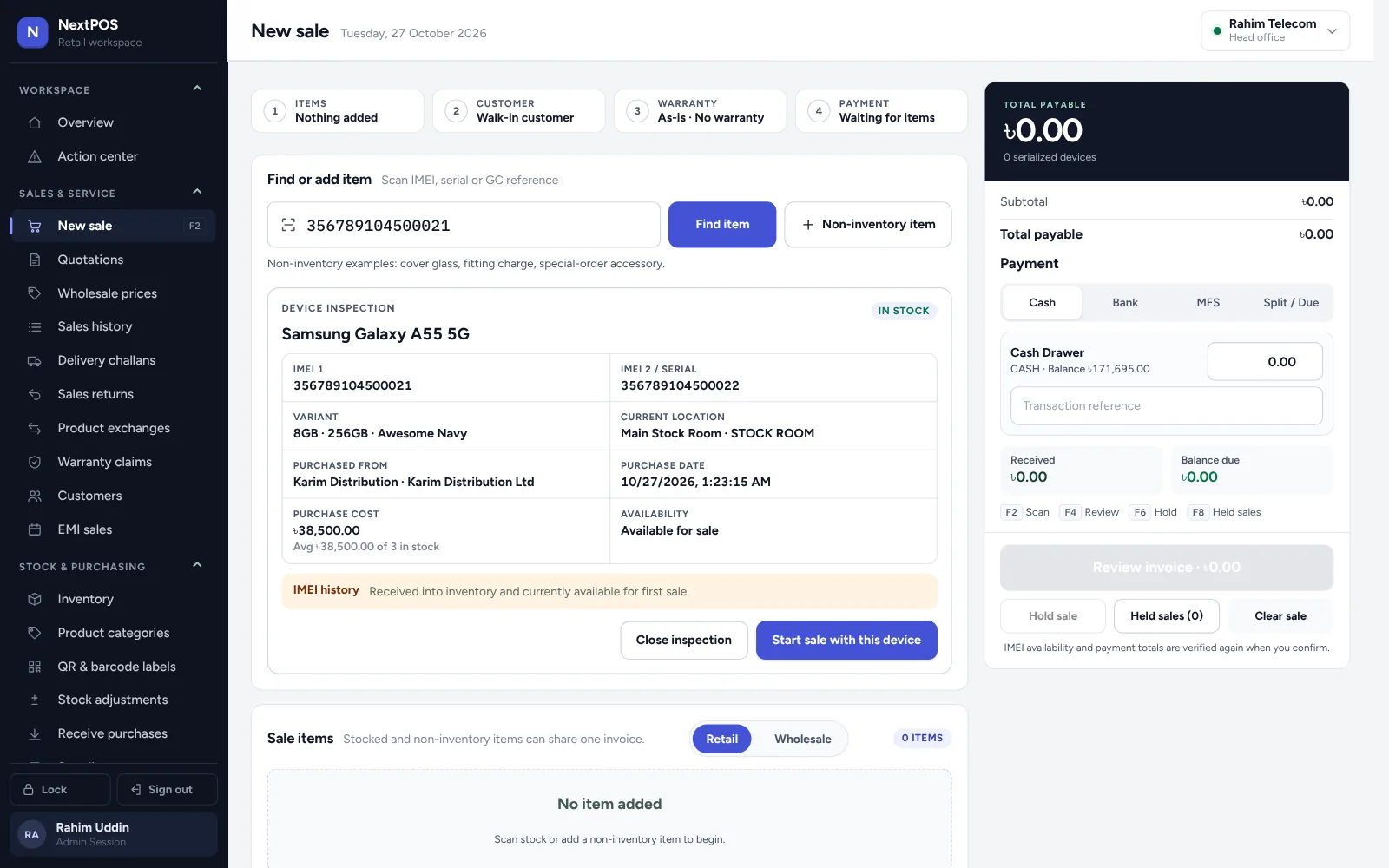
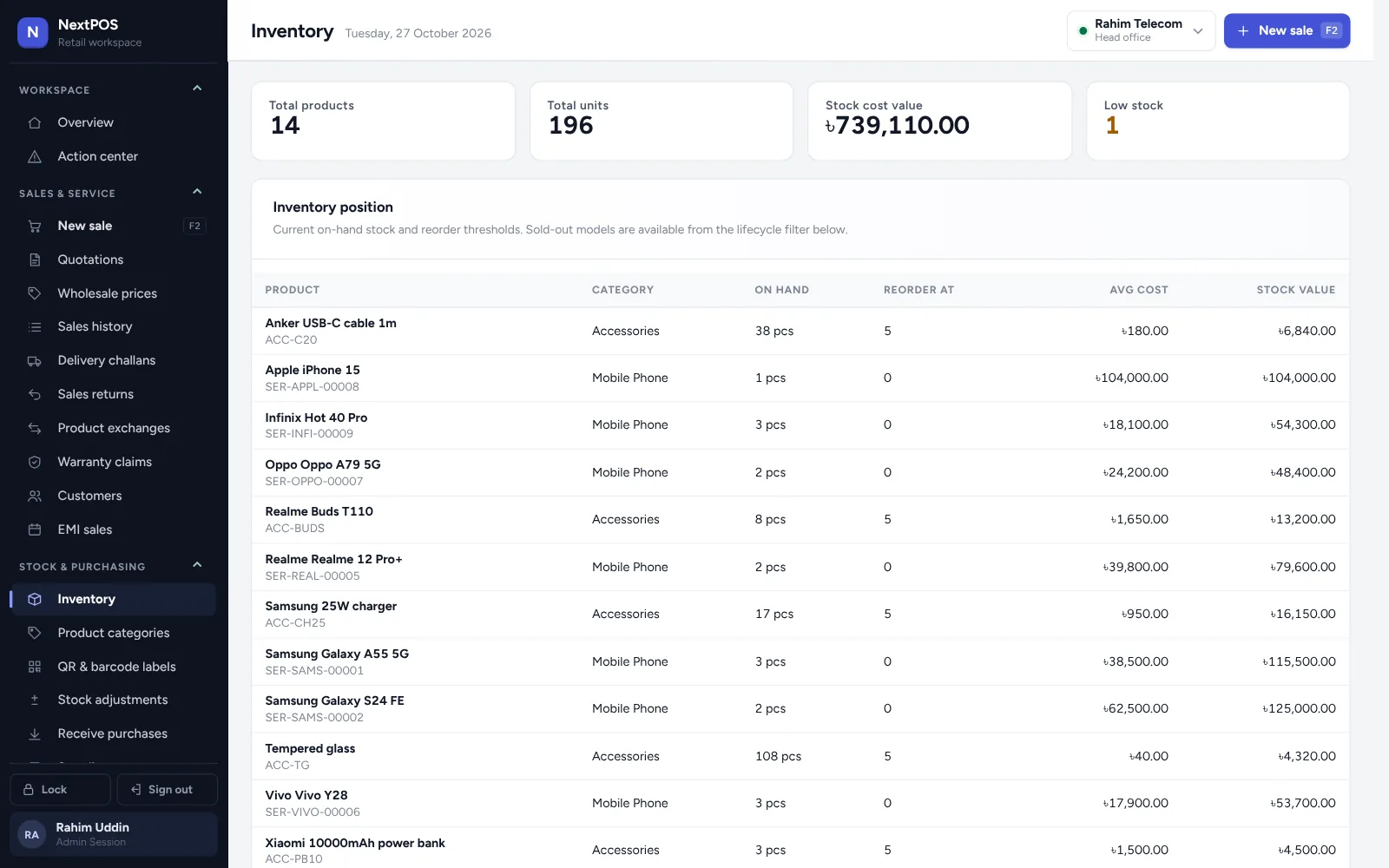
Every phone has its own cost and its own profit
Two phones of the same model can cost you different amounts. NextPOS keeps each unit’s own purchase price, so the profit on every sale is exact, not an average guess. Accessories like chargers and covers are counted by quantity in the same stock list.
More about tracking phones by IMEI.
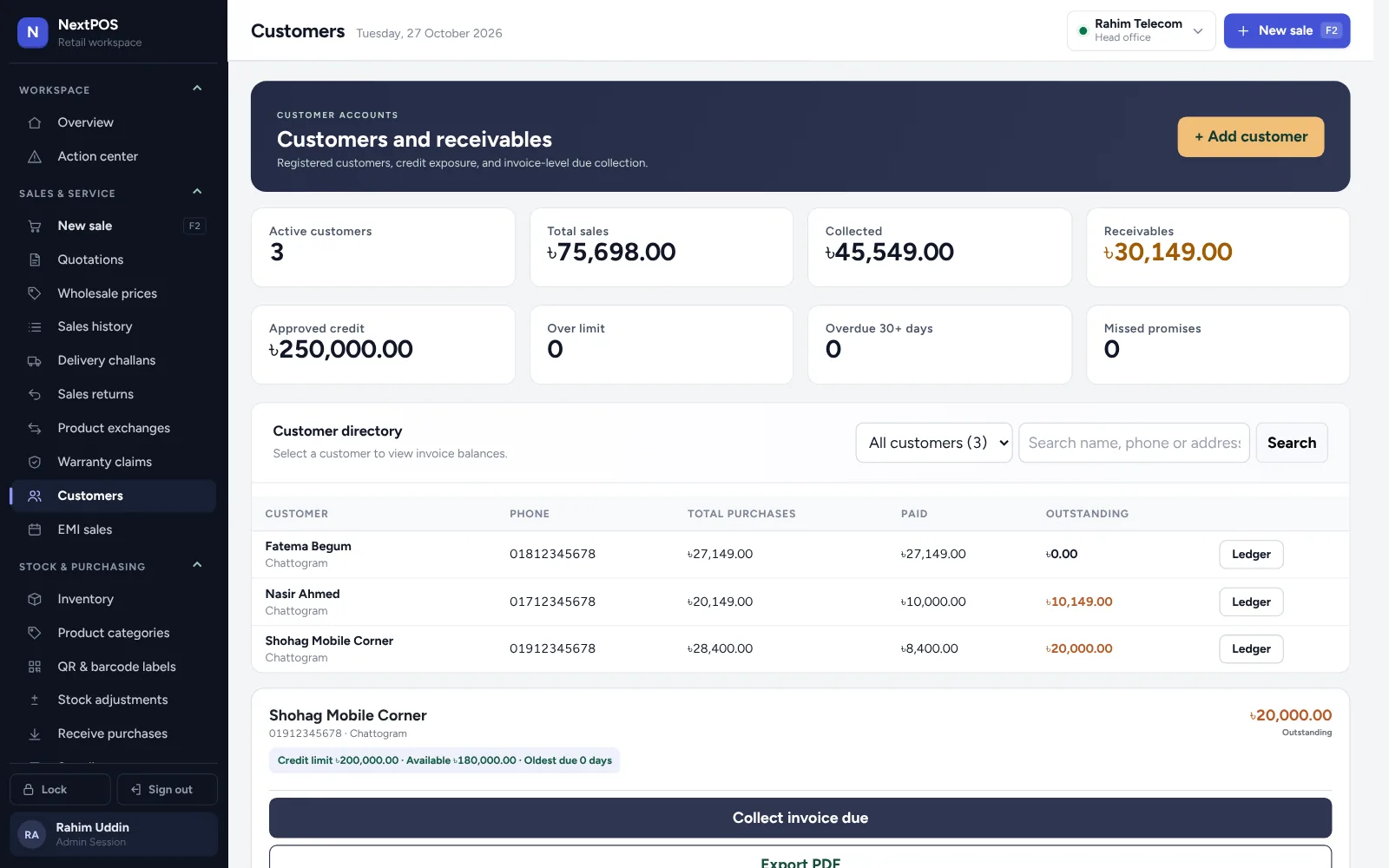
Customer dues without the khata
Every due sale goes into the customer’s ledger. Set credit limits and promised payment dates, collect against the oldest invoice first, print a statement, or send an SMS reminder from your own SMS account.
Still on a khata or Excel? See the honest comparison.
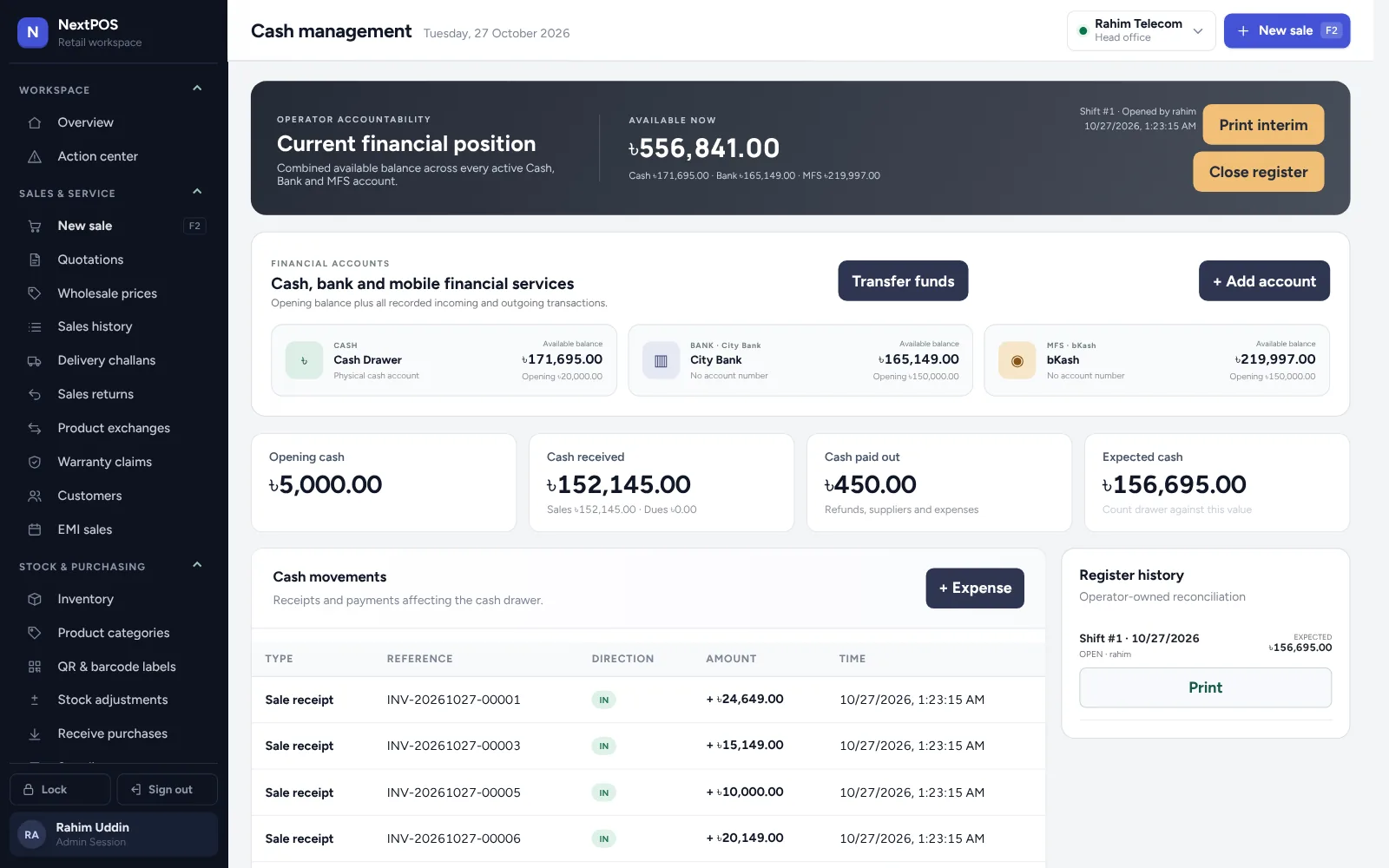
A cash drawer that matches at closing
Open the register with a float, record expenses as they happen, and count the drawer against expected cash at closing. The drawer, each bank account and each mobile wallet keep their own running balance.
Offline on your PC, or online for every branch
NextPOS Desktop runs on the shop’s PC and keeps selling when the internet is down. NextPOS Cloud runs in the browser on any device, with head office and branches together.
Both start at ৳499 a month with a 30-day free trial. Compare them.
Questions shop owners ask
Does it work without internet?
Will my receipt printer and barcode scanner work?
Can I bring my existing stock and customer dues?
How much does it cost?
Can staff be stopped from changing prices or deleting sales?
See it with your own products
Free for 30 days. No setup fee. We can also show it at your shop.