
Home › Guides › Khata or Excel vs POS
An honest comparison for shop owners
Khata, Excel or POS software: which keeps a shop’s books better?
Most shops in Bangladesh still run on a khata, an Excel sheet, or both. They are cheap and familiar. This page lays out where each one works, where it breaks, and when moving to POS software is worth it.
Where a khata works, and where it breaks
A khata costs almost nothing and needs no training. For a small shop with few products and little credit, it can be enough. The trouble starts as the shop grows: dues are scattered across pages, nobody knows the exact stock, and the cash drawer never quite matches at the end of the day.
- Finding one customer’s total due means turning many pages
- Profit is a guess: the khata doesn’t know what each item cost
- A lost or damaged khata takes the records with it
Excel is better, until it isn’t
Excel adds up totals and is easy to search. But a sheet doesn’t connect a sale to the stock, the customer’s ledger and the cash drawer. Each has to be updated by hand, formulas break when someone edits the wrong cell, and two staff can’t safely work on the same file at once.
What POS software changes
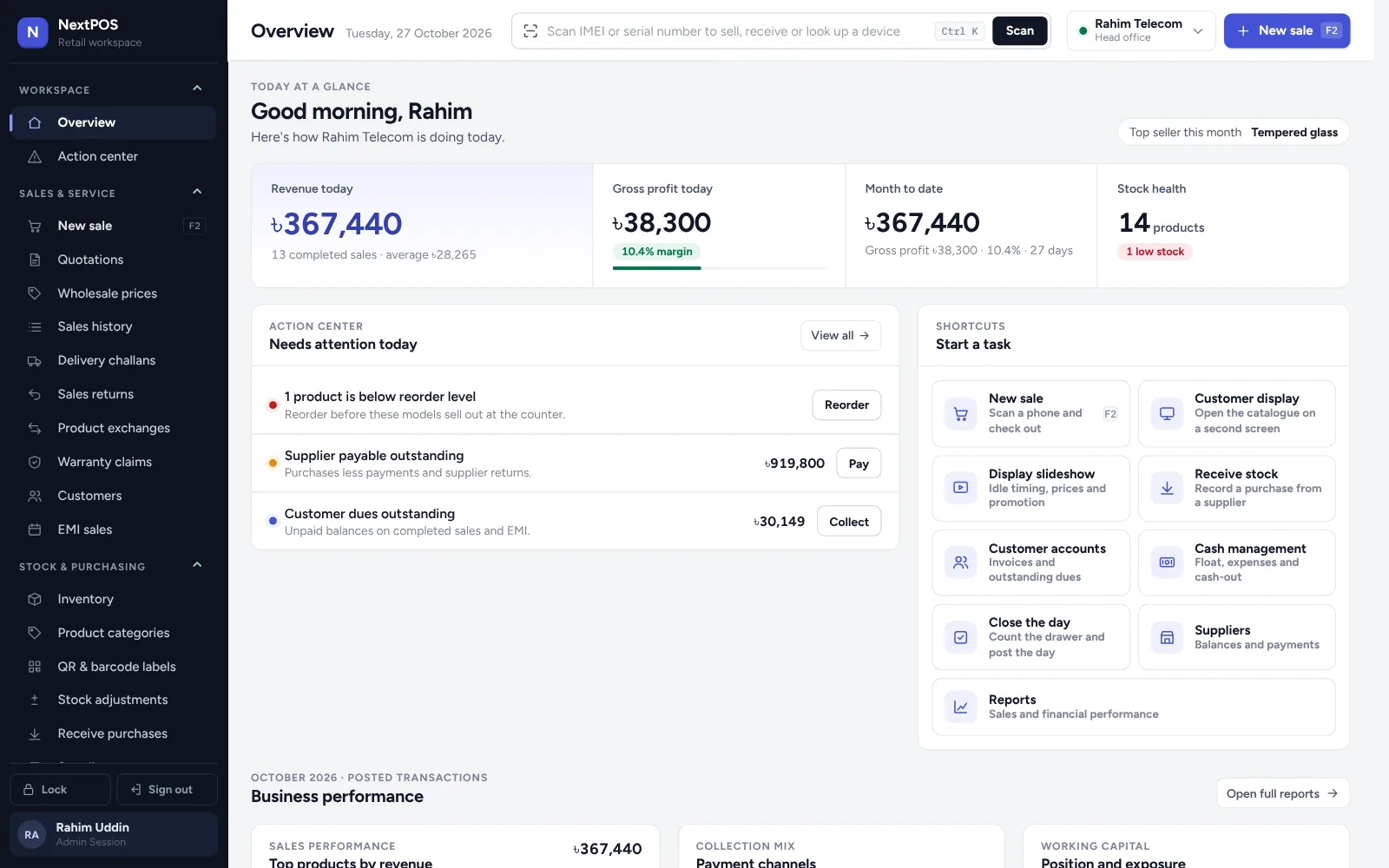
In NextPOS one sale updates everything at once: stock goes down, the customer’s due goes up if they pay later, the money lands in the right account, and the profit is calculated from what that item actually cost.
- Customer ledgers with statements and SMS reminders
- Stock you can trust, down to each phone’s IMEI
- A cash count at closing against what the drawer should hold
- Daily backups, and staff logins so you know who did what
Moving from a khata takes a day, not a month
Start the free trial, add your products with opening stock, and enter each customer’s current due as an opening balance. From the next sale on, NextPOS keeps the books. Keep the old khata for reference; you don’t need to copy its history.
Side by side
| Khata | Excel | NextPOS | |
|---|---|---|---|
| Cost | Almost nothing | Low | From ৳499 a month |
| Learning | None | Some | A guided sale in four steps |
| Customer dues | Pages to search | Updated by hand | Ledger updates with each sale |
| Stock count | Counted by hand | Updated by hand | Live, down to each IMEI |
| Profit | A guess | If the sheet is kept up | From each item’s real cost |
| Cash at closing | Rarely matches | Separate sheet | Counted against expected |
| Several staff | One khata | One person at a time | Own login and role each |
| If lost or damaged | Records gone | If there’s a copy | Daily backups |
If your shop has few products and almost no credit sales, a khata may still be enough. NextPOS pays off once dues, stock or staff become hard to keep track of.
Questions shop owners ask
I’m not good with computers. Can I still use it?
What if the power or internet goes?
Do I have to copy my whole khata in?
Is my data safe?
See it with your own products
Free for 30 days. No setup fee. We can also show it at your shop.