
Home › Products › Basic ERP › Inventory software
Stock control in NextPOS Cloud
Inventory software for shops in Bangladesh: know what is on the shelf
Every phone by IMEI, every laptop and camera by serial, every charger and cable by quantity. Stock goes up when you receive a purchase, down when you sell, and moves between branches with a record of who moved it.
Two kinds of stock, one list
Some items need to be tracked one by one, others only by count. NextPOS handles both in the same inventory, so a phone shop that also sells covers and chargers keeps one list.
- Phones: IMEI 1, IMEI 2, colour, RAM/ROM, region, network, own cost
- Laptops, TVs, cameras: serial number and warranty
- Accessories and cable: quantity, average cost and barcode
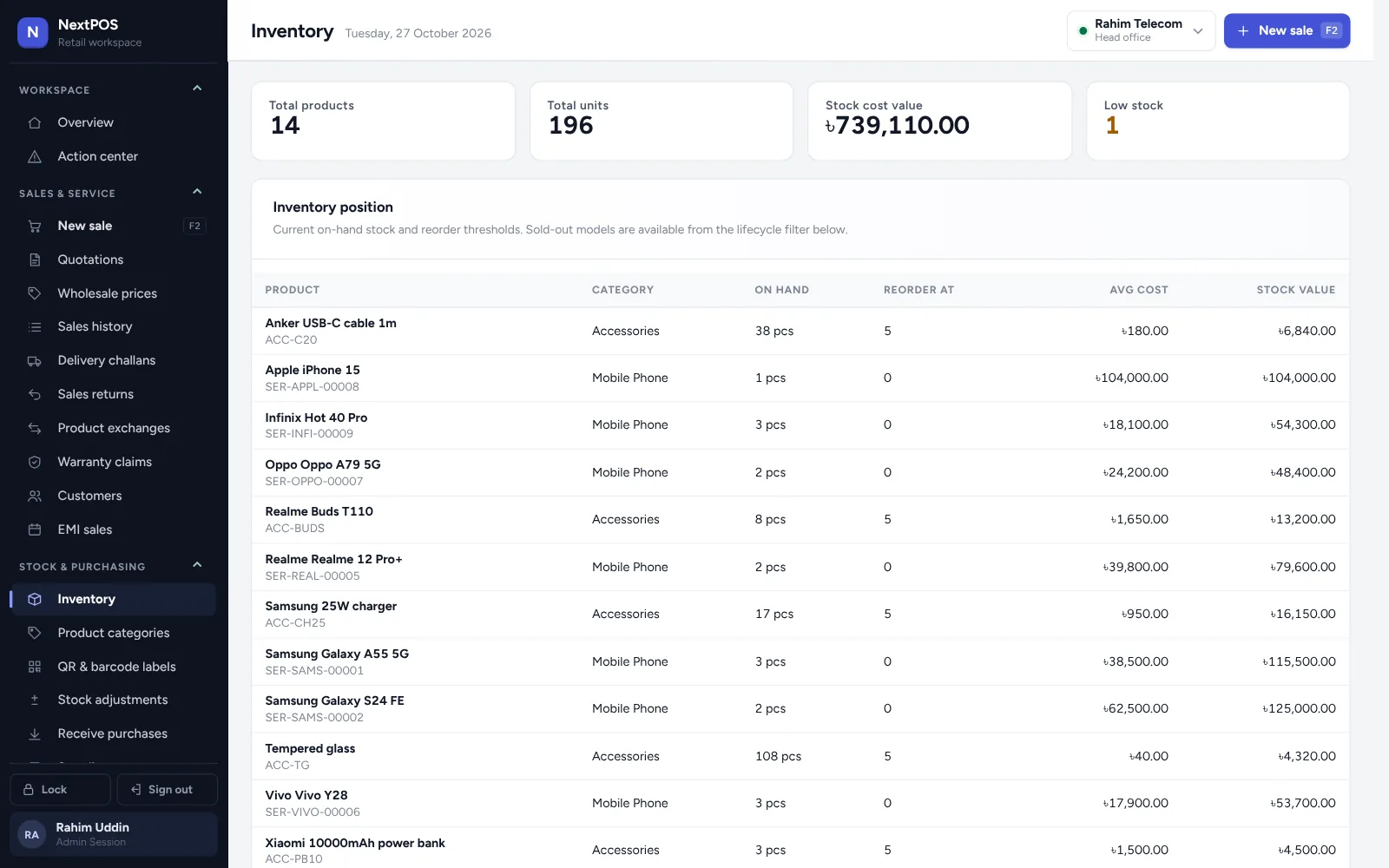
Purchases bring stock in with the right cost
Receive a supplier invoice line by line, scan the IMEIs, and the totals add up as you go. What you owe the supplier is recorded at the same time. Starting out? Import your current stock from Excel or CSV in one go.
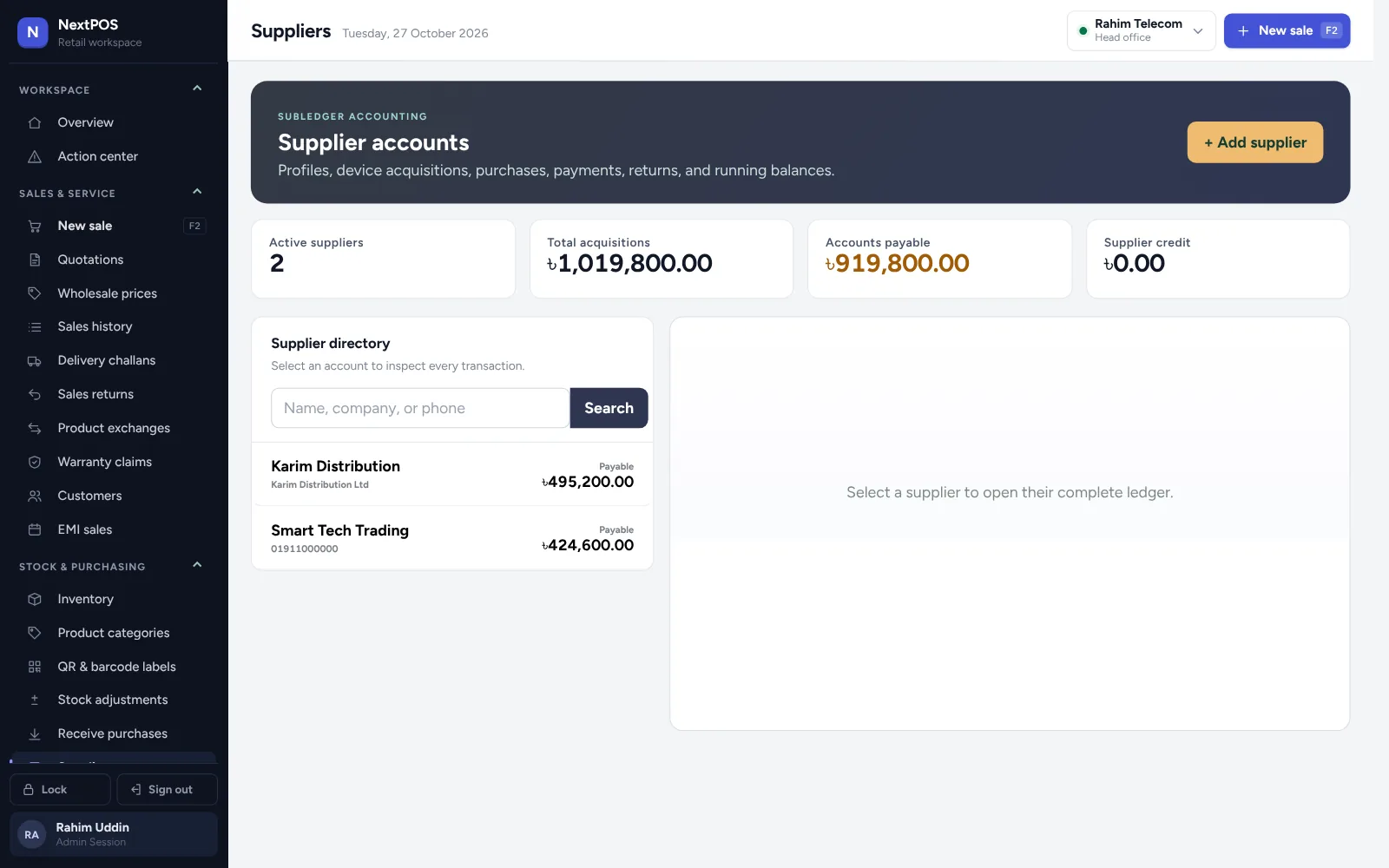
Find any item in seconds
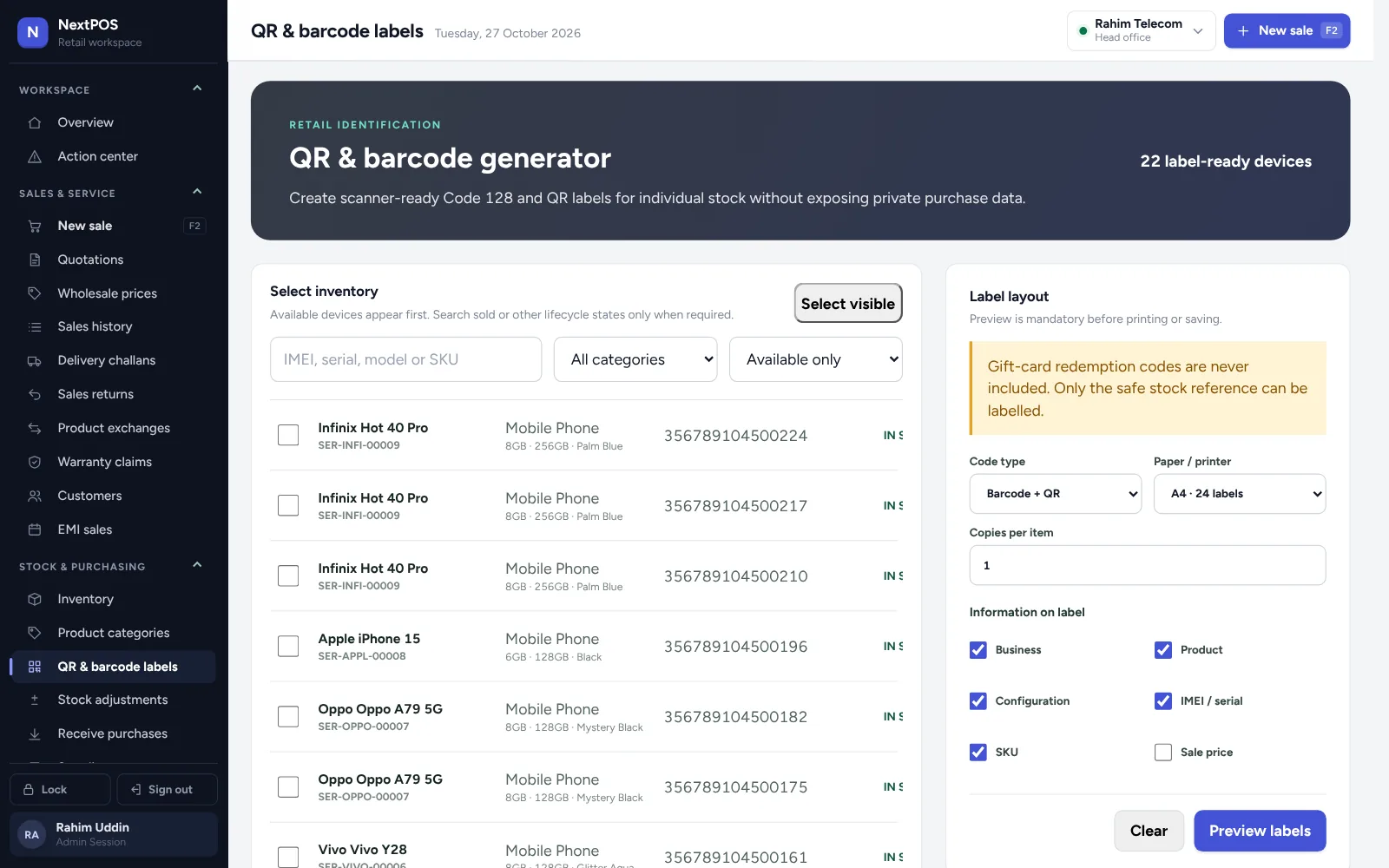
Scan a barcode or IMEI with a scanner or the phone camera, or type the last four digits of an IMEI. Print barcode stickers for accessories on a label printer or an A4 sheet.
Stock value and profit you can trust
Because each phone keeps its own cost, profit on a sale is exact, not an average guess. Reports show stock value by brand and category and what sold today, in every branch or all together.
Price
Inventory is part of Basic ERP: ৳499 a month for one shop, ৳999 for up to 3 branches. 30 days free, no card needed. See plans.
Questions shop owners ask
Can I use it for a shop that does not sell phones?
How do I count stock at the end of the year?
Can I check stock from my phone?
What if I typed the same product twice?
See it with your own products
Free for 30 days. No setup fee. We can also show it at your shop.